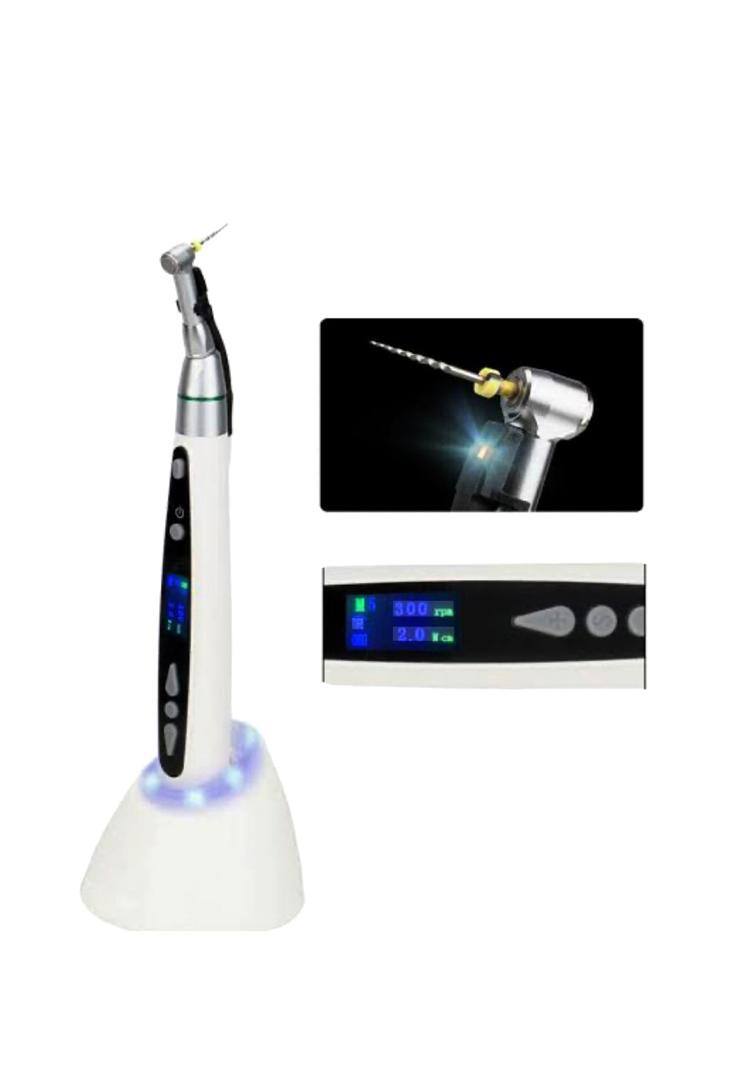
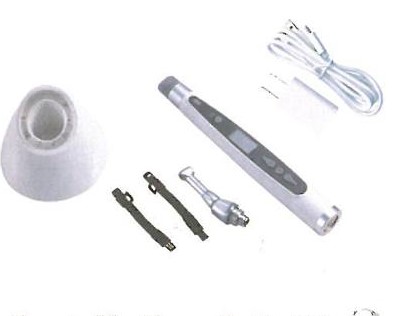
FIBER OPTIC ENDO MOTOR
| Features |
|---|
| This unit can be used in independent endodontic shaping. |
| 9 different programs can be preset according to requirement of operator. |
| When rotary file reaches preset torque, the file will automatically withdraw until removal of resistance. |
| This unit is powered by rechargeable Lithium battery. The unit will automatically turn off after 8 minutes without use to extend battery life. |
| Contra angle, file clip and lip hook can be autoclaved at 135°C. |
2. Main Specifications
| Main Unit | |
|---|---|
| Battery Voltage | DC 3.7V |
| Battery Capacity | 900mAh |
| Charging Time | 3 hours approx |
| Weight | 480g |
| Packing Size | 200x105x75mm |
| AC Adapter | |
|---|---|
| Rated Input Voltage | AC100-240V 50/60Hz |
| Output Voltage | DC 5V / MICRO USB |
| Output Current | 1A |
| Operation Conditions | |
|---|---|
| Environment Temperature | +5°C ~ +40°C |
| Relative Humidity | 10% ~ 80% RH |
| Atmospheric Pressure | 50 ~ 106 KPa |
3.Component Names
Before use, please refer to the packaging labels.
- Charger Base --- 1pc
- Contra angle --- 1pc
- Main Unit --- 1pc
- AC Adapter --- 1pc
- LED light --- 2pcs
- User manual --- 1pc
4. Installation & Setting
- Installation of Contra angle
- Connect endo file bracket to contra angle
- Confirm contra angle
- Connect together main unit and contra angle
Notice: Please turn off this unit when connecting contra angle. Make sure that endo file holder is securely connected with file.
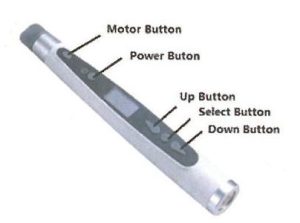
Main Unit Buttons
- Motor Button
- Power Button
- Up Button
- Select Button
| Button | Description |
|---|---|
|
Power Button Press power button for more than one second to turn on/off the power and OLED panel light. |
|
Motor Button When the power is on, press ON/OFF button then the device start working. Press again to stop working. |

|
Select Button Press for more than 3 seconds to calibrate torque (M0). Press ~1 second to change speed and torque using UP/DOWN buttons. |
|
UP Button (+) When motor is stopped: select program M1–M9. When running: increase speed. |
|
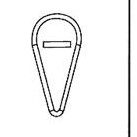
DOWN Button (-) When motor is stopped: change rotation mode (Forward / Reverse / Reciprocating). When running: decrease speed. |
| Mode / Function | Description |
|---|---|
|
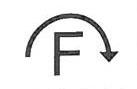
Forward Model -- Auto reversing If the load is removed after auto reverse rotation, it returns to normal rotation again. |
|
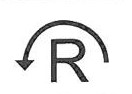
Reverse Model Set the motor rotation to reverse. |
|
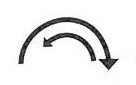
Reciprocating Model The motor will run reciprocating. Speed is 300rpm and torque is uncontrolled. |
|
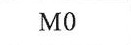
M0 Calibration for 16:1 Contra angle. Speed 300rpm. |
|
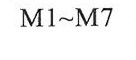
M1 ~ M7 For 16:1 Contra angle. Speed 150~600rpm, Torque 0.3~3Ncm. |
|
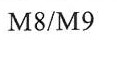
M8 / M9 For 4:1 Contra angle. Speed 800~2500rpm. Torque is uncontrolled. |
|
Battery Icon Means low voltage. Charge immediately. |
5. Main Directions For Use
1. Preparation Procedures
- Make sure all accessories are securely connected (Refer to Installation & Setting).
- Recheck if rotary file has been securely connected.
2. Charge (Battery Mode)
- Insert AC adapter plug into power supply.
- Microcomputer checks battery voltage and starts charging if needed.
- Blue LED lights one by one during charging.
- When fully charged, all blue LEDs light up.
- No need to turn on the power.
⚠ Important: Always ensure proper connection of accessories before operation to avoid malfunction.
Product Image
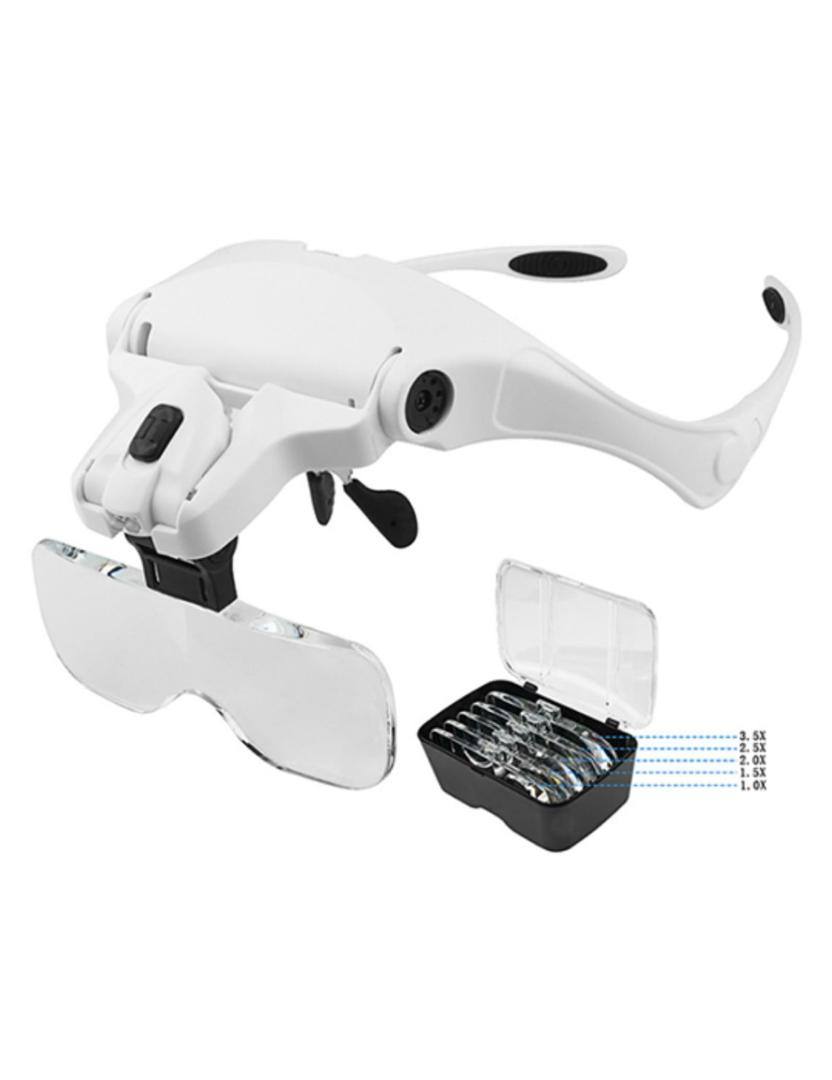
R&K DENTAL LOOP